A starting point for Mac
Get help with Mac adaptations such as menus, keyboard shortcuts and windows, where your project is supported.
For developers bringing apps to macOS
Help your app feel at home on Mac, with windows, menus and keyboard shortcuts. MacBridge helps you adapt supported iPad source projects — in a separate working copy.
How it works
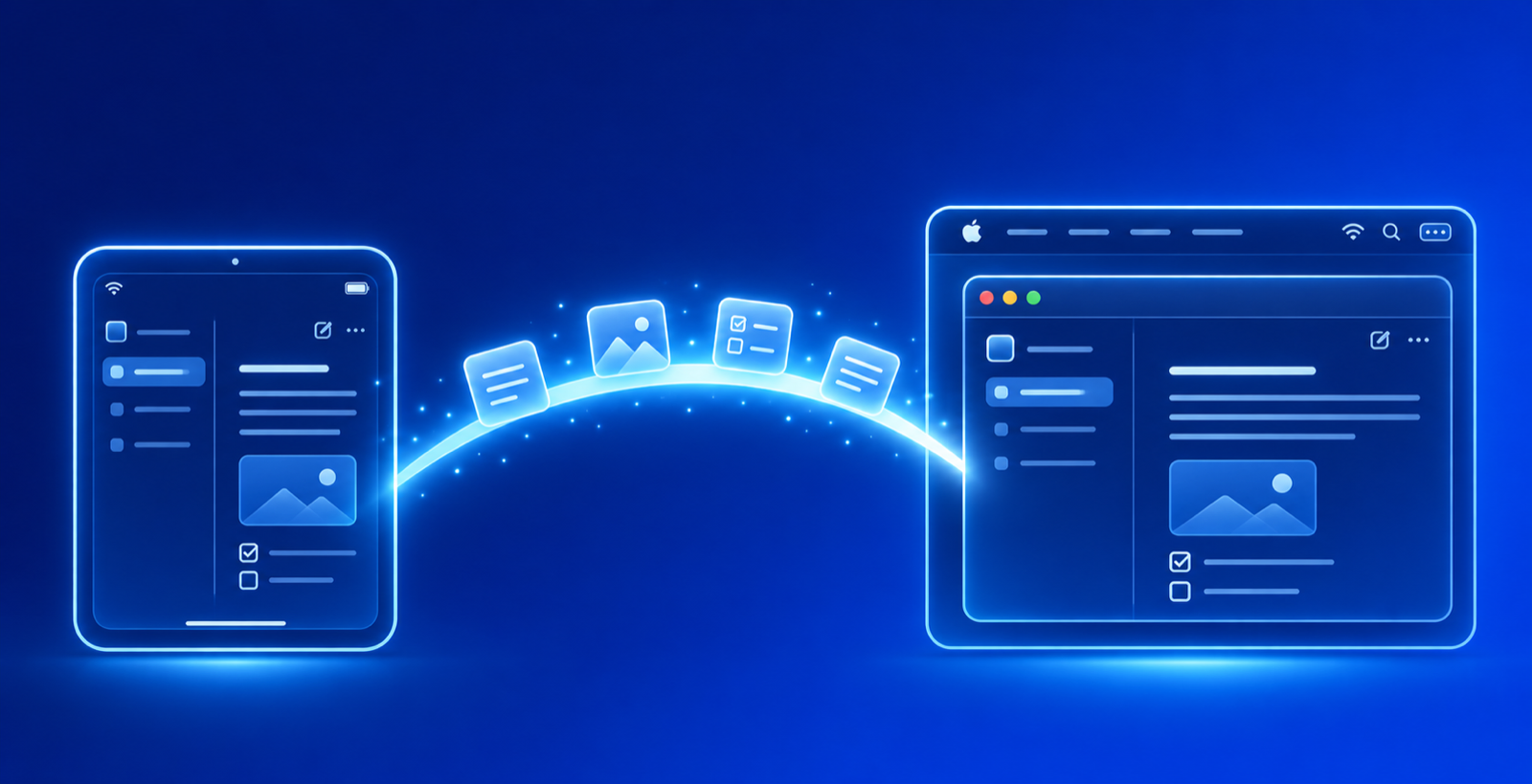
MacBridge runs on your Mac. It is not a service you upload your project to. You choose when to proceed.
Choose a source project. MacBridge checks whether it matches the patterns this version supports.
Review the suggestion and decide whether to create a separate working copy adapted for Mac.
With your approval, MacBridge uses Xcode to build a local test app from the copy.
Check how your app behaves on Mac. A successful build is where testing starts, not where it ends.
Features
Get help with Mac adaptations such as menus, keyboard shortcuts and windows, where your project is supported.
Try Mac adaptations without rewriting your original project. You stay in control of what happens next.
Know when a project needs manual review. MacBridge does not promise to adapt every app automatically.
Up next: a limited beta
We're preparing a small beta for developers with their own source projects. We want to learn what helps, what gets in the way and what needs to be simpler.
Our focus is solid macOS support — not adding as many features as possible.
The beta is being prepared. There is no public download or sign-up on this site yet.
Questions and answers
No. MacBridge supports selected Swift/UIKit source projects. Projects outside that scope need manual review. A successful adaptation or build does not prove that every feature works.
The first pilot is for developers with an Apple silicon Mac and the full Xcode app installed. You need the app's source code and permission to build and adapt it. Detailed system requirements will come with the test package.
No. MacBridge needs the source project. It cannot take a compiled app from your phone or the App Store and convert it.
Adaptations are made in a separate working copy, not by rewriting the original project. Keep your own backups and build only source code you trust.
MacBridge adapts projects locally and does not send project code to AI services. This website does not accept project files. Xcode and other build tools may use the network, so local adaptation is not the same as a network sandbox.
Pricing has not been decided. We aim to make MacBridge accessible to independent developers, with separate terms for larger businesses. This site does not accept payments or orders.
Not automatically. The result is a local test app. Functional testing, rights and the necessary distribution signing must be addressed before it is shared publicly.